E-paper dashboard
A battery-powered e-paper dashboard — your key readings, your calendar, and a site summary on a screen that runs for months on a charge, readable in direct sun.
A hub collects your data and Local lets you dig into it — but sometimes you just want to glance at a screen on the wall and see how things are going. That’s what an OGLAS display is: your live readings, on a screen, right where you work — no phone to unlock, no laptop to open, no login.
Displays read straight from your hub, so they keep working whether or not the site has internet. Pick the one that suits the spot — a compact touchscreen by the door, a 7-inch panel in the office, a battery e-paper dashboard on the kitchen bench, or an e-ink summary that runs for weeks on a charge.
Tap any screen for a closer look:
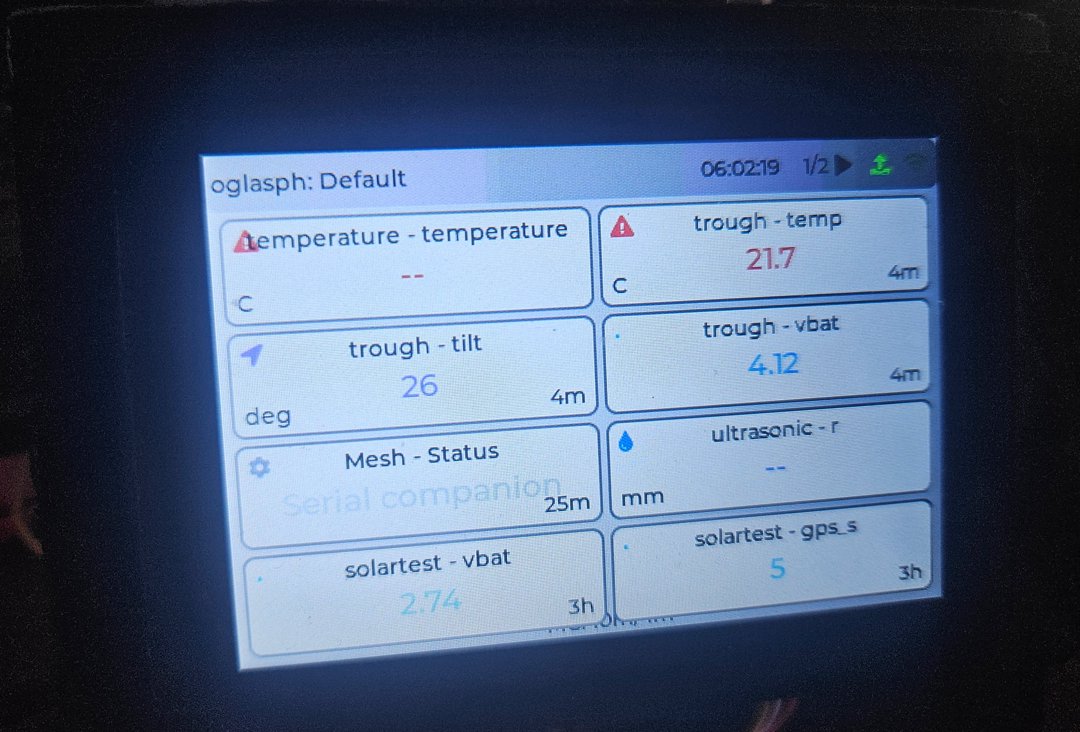 Compact touchscreen — key readings at a glance, by the door or the bench
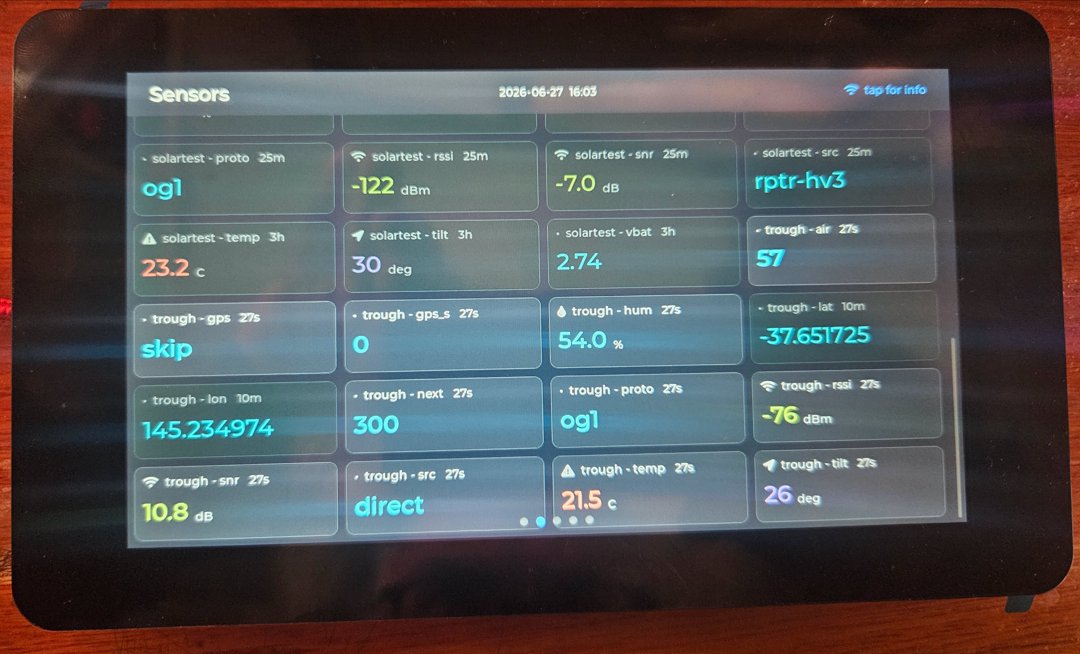 7-inch panel — the full live sensor grid, every metric on the site
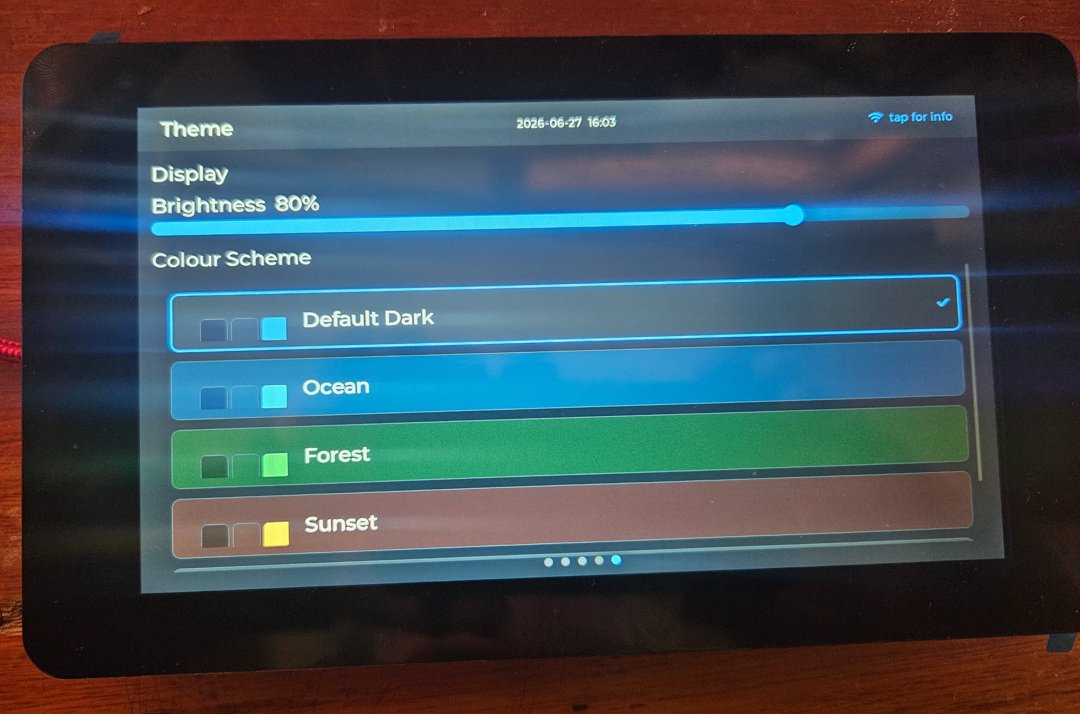 Themes and brightness — Default Dark, Ocean, Forest, Sunset; tune it to the room
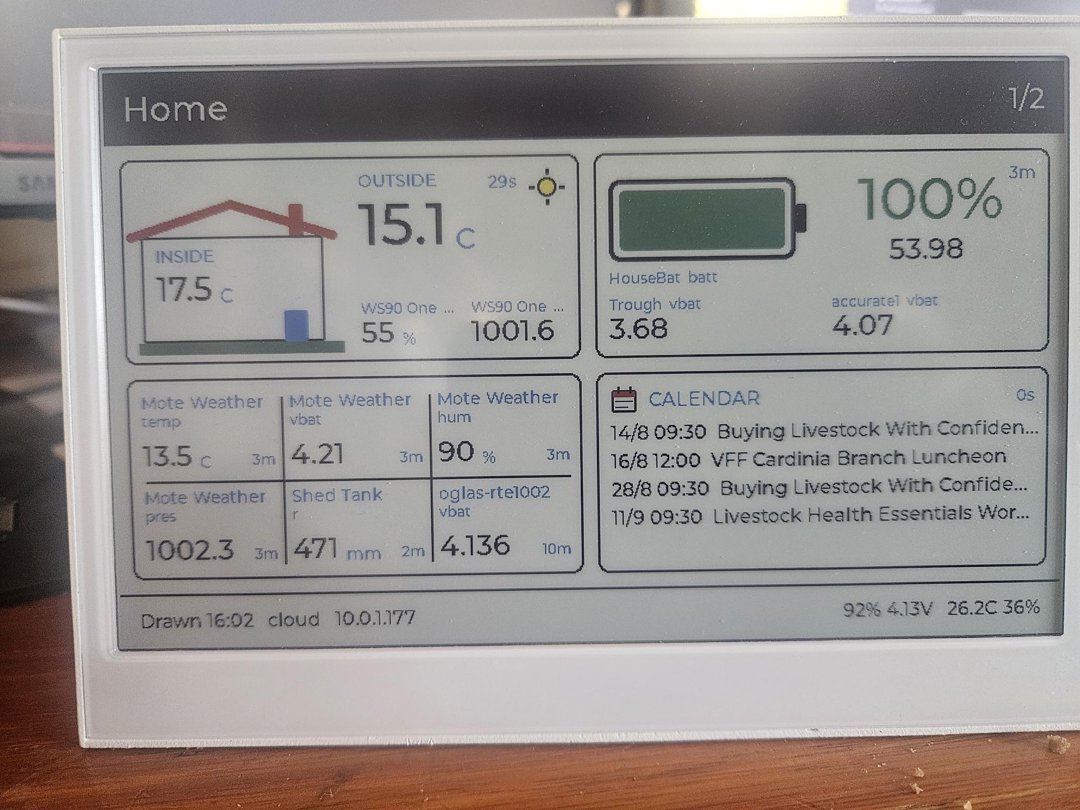 E-paper dashboard — pages of readings and your calendar, months on a charge
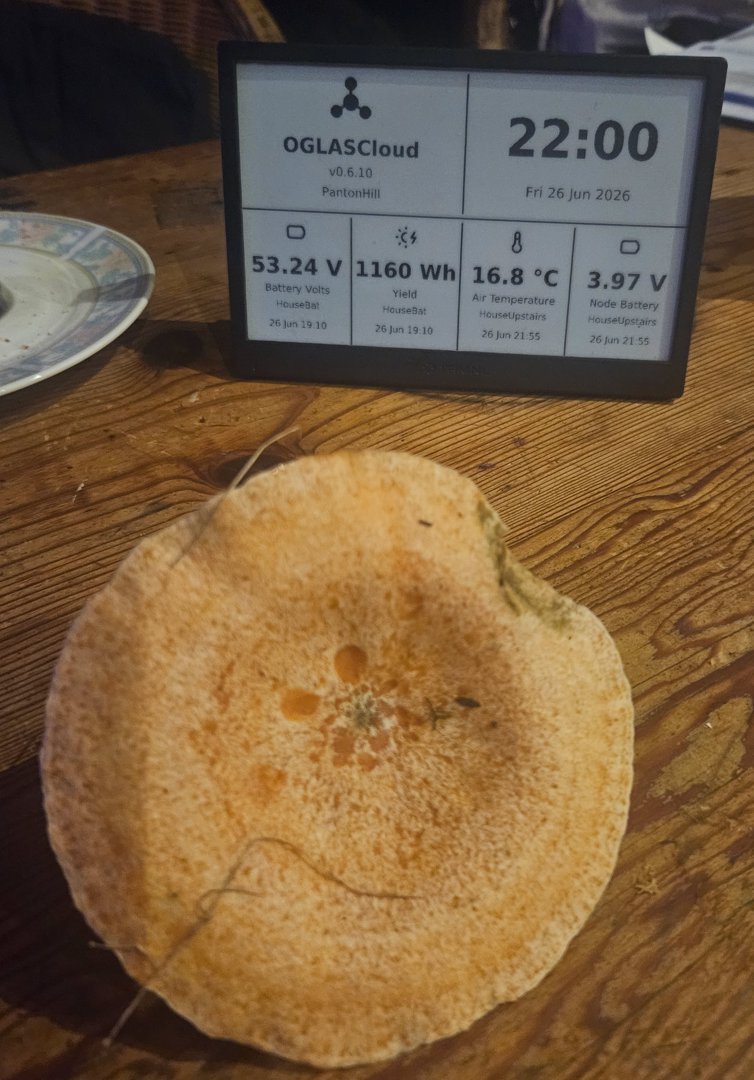 E-ink summary — clock plus your key numbers, running for months on a charge
Displays sit alongside the rest of the pipeline — Sensors → Hubs → Displays / Local → Cloud. They show what the hub already has, so they’re an add-on to any site, not a separate system. A hub can drive a display and still log to Local and copy to Cloud at the same time.
Want a display laid out for your site — the readings that matter, where you want them? That’s a custom build. Tell us what you’d want on the screen.
A battery-powered e-paper dashboard — your key readings, your calendar, and a site summary on a screen that runs for months on a charge, readable in direct sun.